PUBG Mobile: how to follow a teammate and jump together
PUBG Mobile's follow system lets a squad share one parachute path at the start of a match. Here is how invitations, automatic following, and manual control differ.
 By
Jenna Kowalski
By
Jenna Kowalski
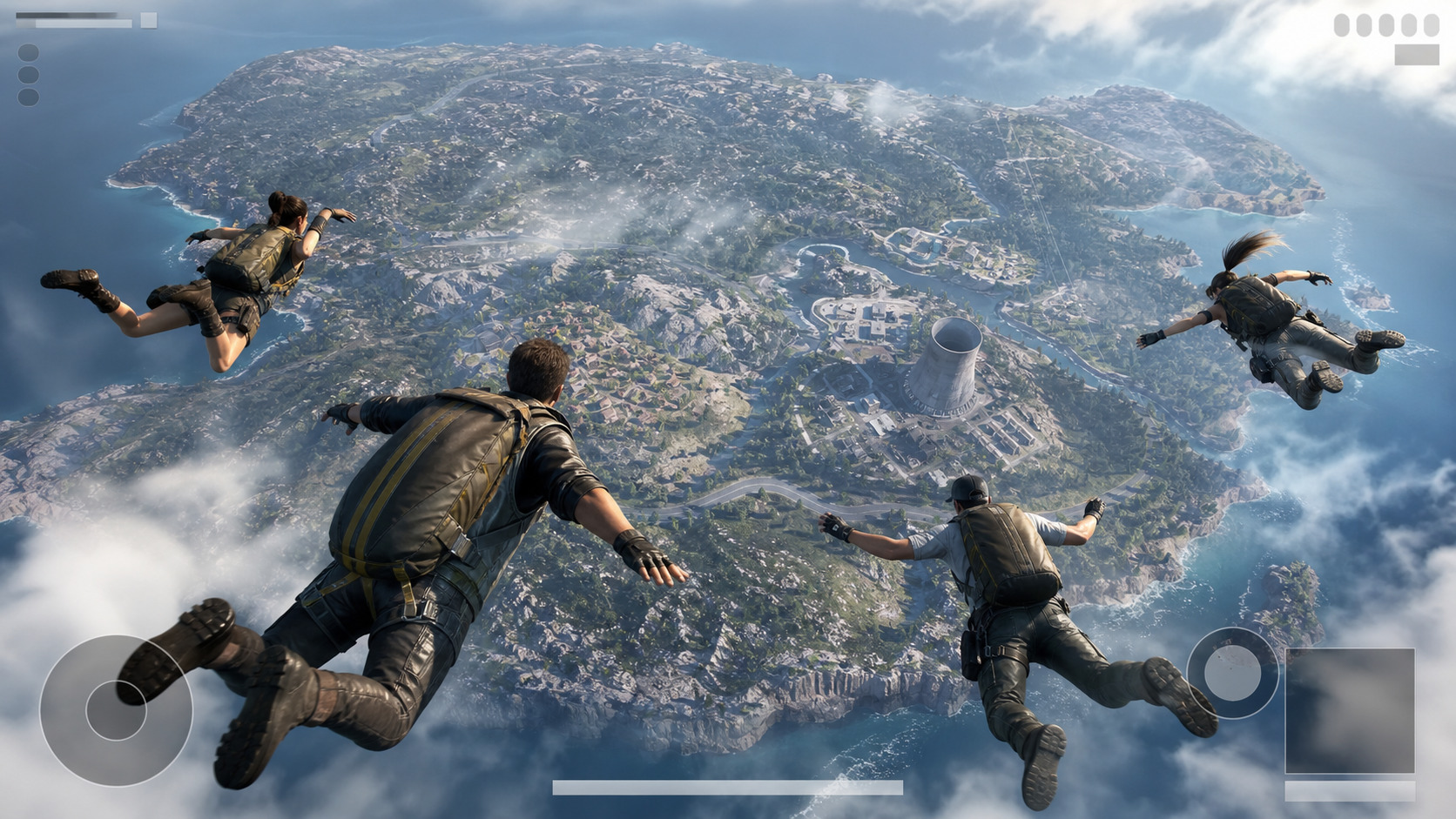
Landing together is one of the simplest ways to give a PUBG Mobile squad a workable start. The follow mechanic lets one player control the jump path while accepted teammates leave the aircraft and descend with that leader. It reduces timing errors, but it does not choose a safe destination or replace communication.
In brief
- The classic follow panel lets a player invite squad members or accept another teammate as jump leader.
- A steep dive trades travel distance for an earlier landing, while a flatter glide reaches farther across the map.
- The official World of Wonder tool also exposes customizable parachute flight paths for created experiences.
The three states to recognize
Invite means asking another squad member to follow your jump. You remain the leader. Follow means accepting another player’s path, so your jump and descent are controlled with theirs. Unfollow ends that automatic link and returns control to you.
The wording and placement of the controls can change between interface versions. In versions that expose the classic follow panel, it appears near the squad list before and during the aircraft phase. Read the player name and state before tapping, especially when several teammates send requests.
Invite teammates to follow your jump
- Agree on a landing area and mark it on the map before the aircraft reaches the jump point.
- Open the follow controls beside the squad list.
- Select the teammate or teammates you want to invite.
- Wait for the interface to show that they accepted and are following you.
- Jump at the planned point and steer toward the marked landing area.
Do not assume silence means acceptance. The declared guide says the invited teammate can accept or refuse the request. Check the follow state shown next to the squad member before the jump rather than relying on an unanswered invitation.
Follow another teammate
- Open the follow panel while the squad is still aboard the aircraft.
- Choose the teammate who will lead the drop.
- Tap Follow and confirm that your status changes.
- Let the leader control the exit timing and initial descent.
- Use voice or quick chat to report nearby opponents before landing.
Following is useful for a new player, a squad with one designated caller, or a drop that requires all four players to reach the same cluster of buildings. The official PUBG Mobile material also describes team-oriented parachute devices and shared jumps, reinforcing the same design goal: coordinated arrival.
How to regain manual control
Tap Unfollow before landing when the leader disconnects, changes course without agreement, or heads toward an obstacle. Once control returns, correct your direction smoothly. A late, sharp turn can cost distance and leave you below opponents who maintained an efficient glide.

Unfollowing is not automatically a mistake. Splitting by a few meters can distribute the squad across adjacent loot buildings. Splitting by an entire compound without a plan is more dangerous because teammates cannot trade damage or revive one another quickly.
Common problems
- The button is missing: check that you are in a team mode and still within the jump phase.
- The wrong player leads: unfollow, then select the intended teammate by name or squad number.
- A teammate lands apart: they may have declined, unfollowed, disconnected, or taken control late.
- The path falls short: the leader may have opened the parachute early or used an inefficient angle.
- The squad lands together but loses immediately: follow solves spacing, not scouting. Watch the air for other teams.
Distance and descent still matter
The declared guide distinguishes a steep dive from a flatter glide. Tilting forward increases descent speed but covers less ground, while pulling toward a flatter position extends travel at the cost of a later arrival. It also recommends keeping the destination in view and making the final corrections after the parachute opens. Following a leader synchronizes the squad, but the leader still has to choose the appropriate descent.
A better squad routine
Name one jump leader before takeoff, place one map marker, and use a short countdown near the exit point. The leader watches distance and path. Followers watch the sky and report how many opponents are converging. Before touching down, assign nearby buildings so four players do not compete for the same weapon.
The mechanic works best as a transport aid. A coordinated squad still needs to decide whether to contest, divert, or regroup after landing. Use Follow to remove a mechanical timing problem, then keep making tactical decisions as a team.
The Games section includes more control guides for coordinating a squad and checking changing interfaces. Browse the related section.
Method note
The control flow is based on the authorized historical guide and the two declared pages. Because PUBG Mobile interfaces evolve, this article describes states and checks rather than promising one permanent button position.
Sources
- PUBG Mobile: seguir e invitar al equipo para saltar juntos, El Grupo Informático.
- PUBG Mobile parachute device and team jump, PUBG Mobile.
AI-generated illustration