How to check a Reddit app listing before installing
A careful store listing check can help mobile users assess a Reddit download before installation, with attention to the developer, reviews and requested permissions.
 By
Andrés Salcedo
By
Andrés Salcedo
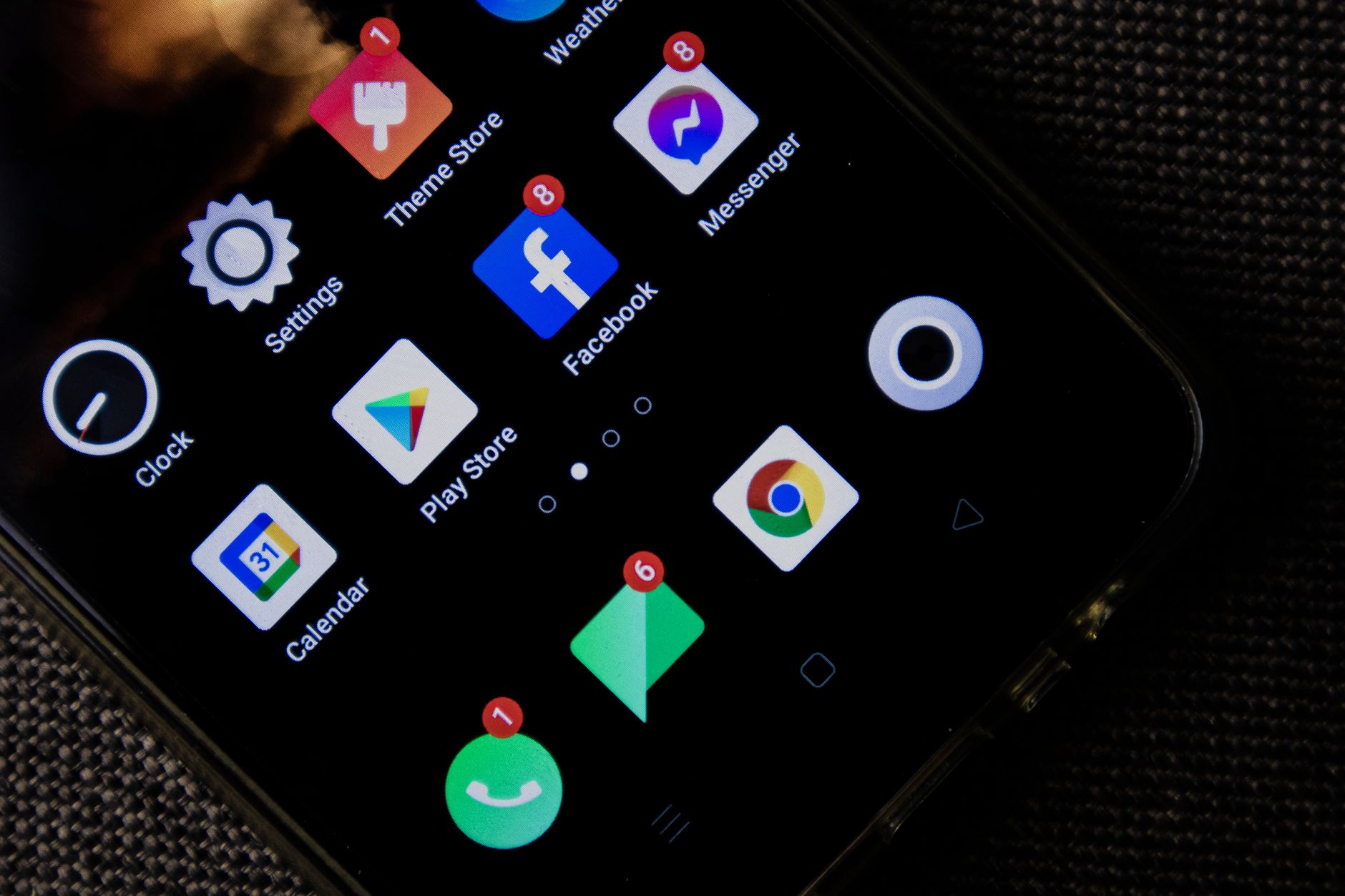
Searching for Reddit on a phone takes only seconds. Deciding whether the listing in front of you deserves an install should take a little longer. App Store and Google Play listings offer details that can be checked before any download begins: the developer, the written presentation, the update record, user feedback and the access an app requests. None of those signals is decisive alone, but together they make a more useful first screen.
In brief
- Check the developer profile, presentation and review patterns before installing a listing.
- Use permissions to assess access to phone resources separately from the install decision.
- On Google Play, verify the active account before completing a paid transaction.
The practical starting point is the official store available on the device. AppSystem notes that official stores have filtering systems, while also warning that they are not entirely free of malicious apps. That is why a familiar name or icon should not end the check. Open the listing, read the surrounding information and stop if its details do not add up.
Start with the developer profile
Before tapping install, look for the developer information on the listing. AppSystem says iPhone users can consult the developer section at the bottom of an app page, where a website and privacy policy may appear. On Android, selecting the developer name can reveal its wider portfolio. These details give a reader a way to compare the publisher with the service the listing claims to represent.
Small differences matter. A name that resembles a known brand but includes an altered spelling is a reason to pause. So is a developer profile made up of unrelated apps with no clear connection to one another. A coherent portfolio or a verifiable web presence does not settle every question, but it is more useful than judging a listing from its icon alone.
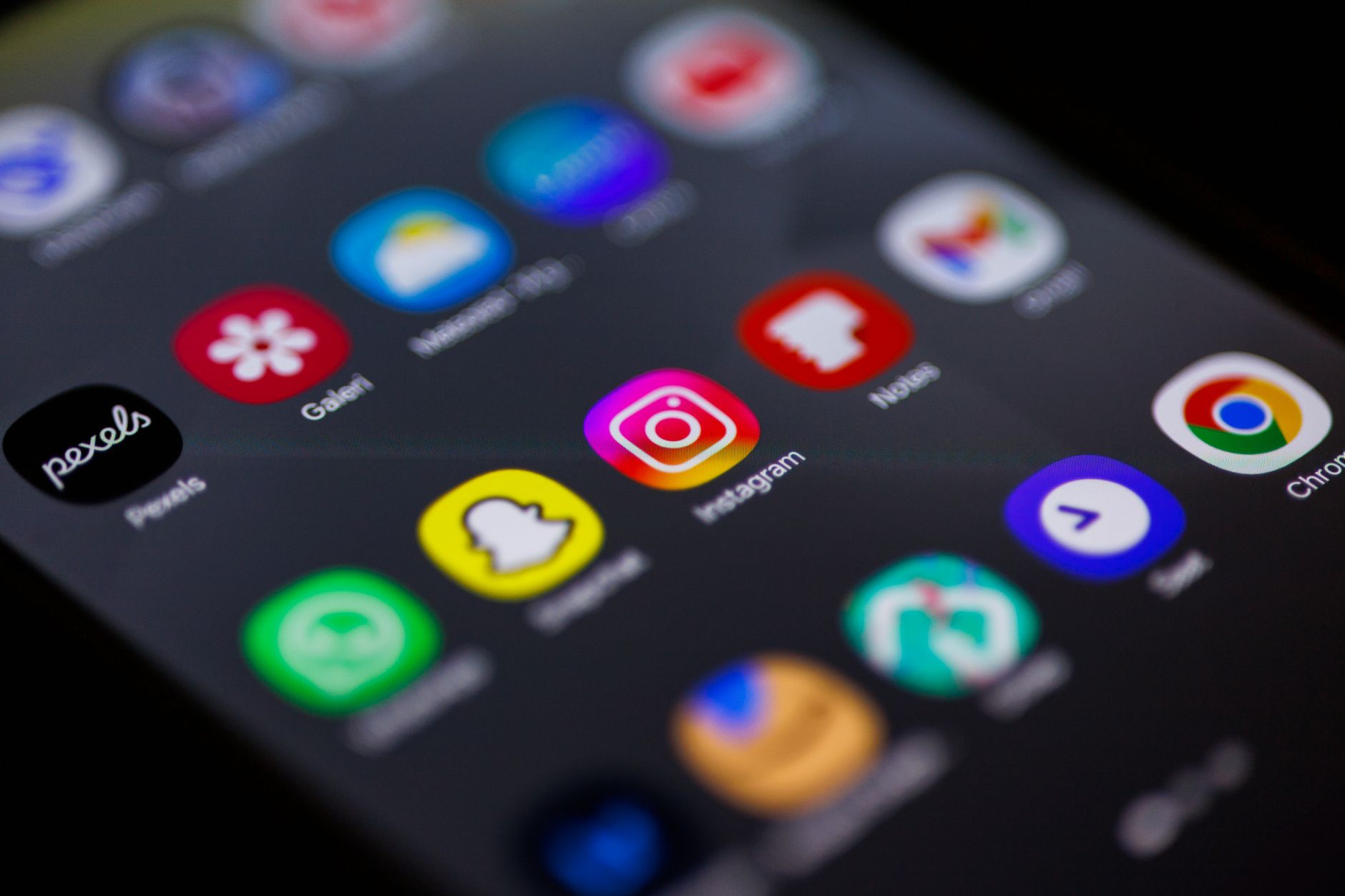
The rest of the page deserves the same attention. AppSystem identifies poor quality visuals, badly framed screenshots and descriptions containing repeated writing errors as warning signs. Read the description for a basic explanation of what the app does. If it relies on sweeping promises while giving little usable information, leave the listing rather than assuming that a search result is legitimate.
Read reviews for detail, not reassurance
Ratings can add context, but they are not a verdict. The supplied AppSystem guidance advises looking for detailed comments about features or problems, rather than treating a cluster of short praise as proof. Many generic five star reviews posted close together can be less informative than a smaller number of comments that describe a specific experience.
Negative feedback is worth reading too. It can point to concerns such as intrusive advertising, forced in app purchases or unexplained slowdown after installation. A review section cannot independently verify every report, yet it helps a prospective user identify questions to investigate before giving an app access to a device.
For Android users, Google explains that apps and digital content are connected to a Google account, rather than solely to one device. If several accounts are configured on a phone, confirm which account is active before completing a purchase. Content cannot be transferred from one Google Play account to another, so checking this detail early can prevent avoidable confusion later.
Treat permissions as a separate decision
Installing an app and granting access to phone resources are related but distinct choices. The CNIL explains that mobile permissions let users allow or deny an app access to protected resources, including sensors, location, camera, microphone, files, photos and contacts. Their purpose is technical: they govern access to those resources rather than, by themselves, every reason data may be processed.
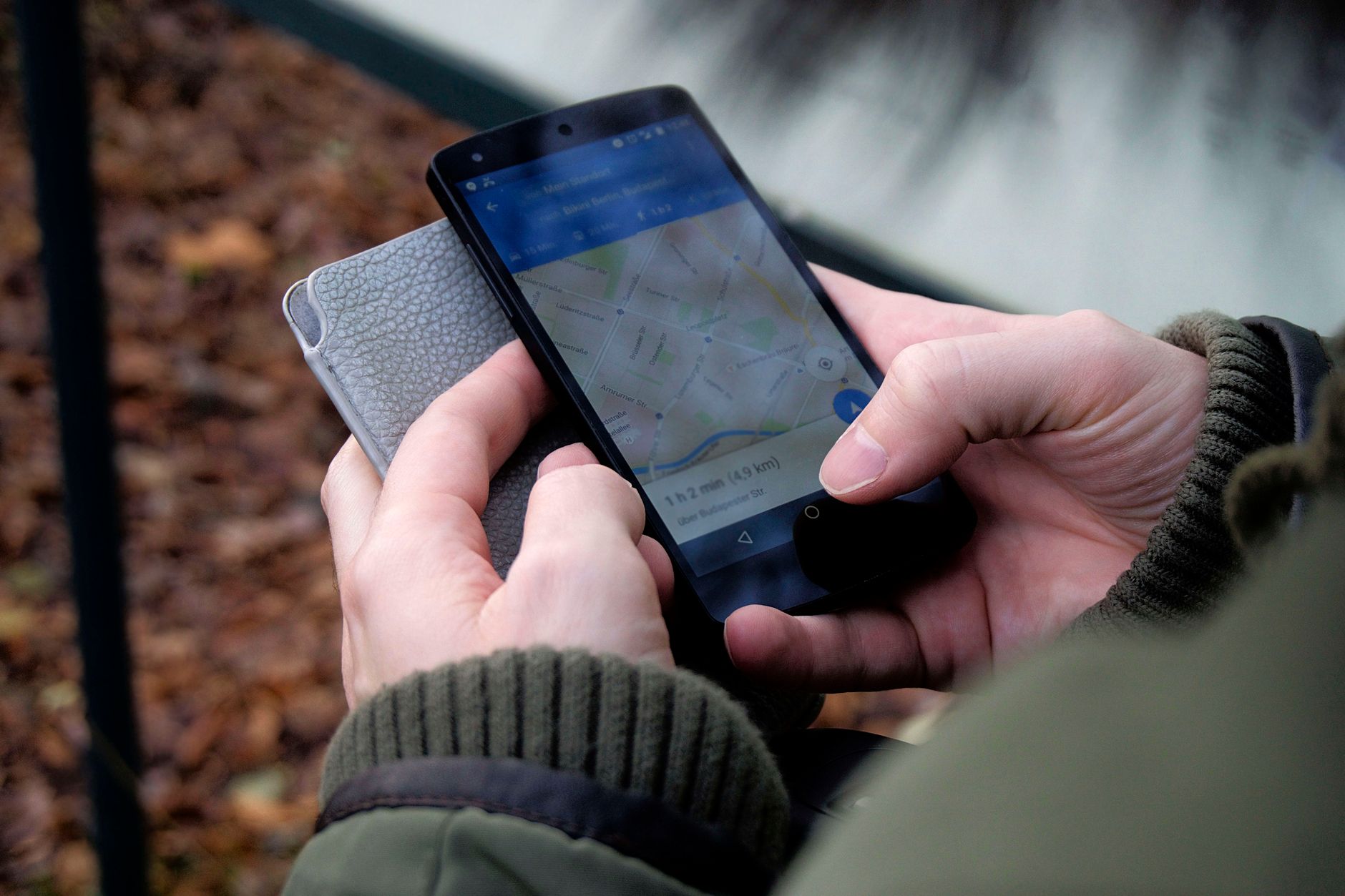
That distinction makes a simple question valuable at each request: is this access needed for the feature being used? The CNIL gives the example of an excessive request such as a flashlight app seeking contact access. When an operating system offers a more limited setting, the agency recommends choosing the least intrusive option that meets the need. This can include selected photos instead of an entire media library, less precise location data, or access granted for a limited duration when those choices are available.
A permission prompt is not a reason to approve every request immediately. Consider the action that prompted it, read the request carefully and decline access that does not appear necessary. The CNIL also stresses that a technical permission is not automatically the same as legally valid consent, which is another reason not to treat a single prompt as a complete explanation of data use.
Keep the installation route simple
Google’s guidance says apps can be found through the Play Store or at play.google.com. AppSystem recommends official stores rather than third party download sites, describing the latter as a route that requires added caution. For a user evaluating a Reddit search result, the useful habit is to begin in the device store, inspect the page there and avoid unsolicited download links.
Once the checks are complete, installation remains a personal choice. The information displayed by a store can change, as can an app’s permissions and updates. Return to the listing when something looks different, and use the GeekCosmos mobile guides for more practical reading on phone software. The best safeguard in this process is unhurried attention before access is granted.
Verified references
- Éviter les fausses applications sur les boutiques officielles : vérifier l’éditeur et les permissions
- Permissions dans les applications mobiles : comprendre les autorisations demandées
- Obtenir des applications sur le Google Play Store : installer par les canaux officiels
Photo: Nothing Ahead / Pexels